If you've ever decorated a room in Highrise, you've placed dozens of furniture pieces without thinking twice about how they look. Behind the scenes, every single item (chairs, tables, lamps, rugs) is a flat, unlit isometric sprite. No shadows. No ambient light. Just clean vector art floating in isometric space.
It works, and it's worked for years. But we wanted more. We wanted rooms that feel like rooms, with soft light pooling under lamps, shadows tucked behind couches, and that subtle warmth you get from a well-lit space.
The Problem with 20,000 Items
We had two realistic options:
-
Redesign everything. Go back to our catalog of 20,000+ furniture pieces and either rebuild them as 3D models or hand-paint fake normal maps onto each one. Even if we did that, normal maps alone wouldn't solve shadow casting between objects. This path was a multi-year effort with no shortcut.
-
Use generative AI to produce ambient occlusion and lighting that blends naturally with the original artwork, without replacing it.
We went with option two.
Finding the Right Model
Not all image models are created equal for this kind of task. Most generative models want to create. They hallucinate details, add objects that weren't there, or subtly reshape edges. For our use case, that's a dealbreaker. The original sprite art needs to stay intact. We're only adding light and shadow.
After testing several models, Qwen Image Edit stood out. It was remarkably faithful to the source material, applying lighting effects while keeping the original features untouched. More expensive options like Gemini also produced good results, but were far too slow and costly to run at scale.
From 100 Seconds to Under 10
Getting satisfactory results was just the first step. At 100 seconds per image, Qwen Image Edit was nowhere near fast enough for production.
We started with Qwen-Image-Edit-Rapid-AIO, a community-optimized version that merges multiple acceleration LoRAs, the VAE, and CLIP encoder into a single checkpoint. Instead of the standard 20+ sampling steps, this model produces quality output in just 4 steps using tuned schedulers, dramatically cutting inference time.
For lighting control, we layered in QIE-2511-MP-AnyLight, a LoRA that gives you more control overfine-tuning lighting. Instead of vague prompts like "light from the left," we could set up precise light positions, angles, and intensities to have them faithfully applied to our scene.
We merged the AnyLight LoRA directly into the main model weights, then created a quantized (GGUF) version of both the transformer and tokenizer. The result: near-identical output quality at significantly lower memory consumption, making it practical to run on a single GPU.
Gaining 5 More Seconds with Resolution Tricks
Our source images are 2048x2048. Running Qwen at that resolution is slow. So we tried something simple: downscale first, generate, then upscale back.
We downscale the input to 1024x1024 using LANCZOS interpolation (which preserved the most detail among the methods we tested). At this lower resolution, Qwen runs in about 3 seconds, more than twice as fast as at full resolution.
For upscaling back to 2048x2048, we tried a range of super-resolution models. Interestingly, models trained on anime datasets performed best on our sprite art, likely because of the shared emphasis on clean lines and flat color regions. Real-ESRGAN hit the sweet spot between speed and quality, upscaling in roughly 1 second.
Fixing the Shift: Enhanced Correlation Coefficient
One side effect of running at lower resolutions: Qwen Image Edit tends to introduce slight spatial shifts and distortions in the output. The generated image might be offset by a few pixels, or subtly warped compared to the original.
We solve this with ECC (Enhanced Correlation Coefficient) alignment, a classic computer vision technique. After generation, we compute the geometric transformation between the original and generated images, then warp the result back into alignment. The sprites land exactly where they should.
Preserving Clean Edges
Low resolution and fast generation come at a cost: the crisp, clean lines of our furniture sprites can get slightly soft or distorted. For pixel art and isometric sprites, even minor edge blurring is noticeable.
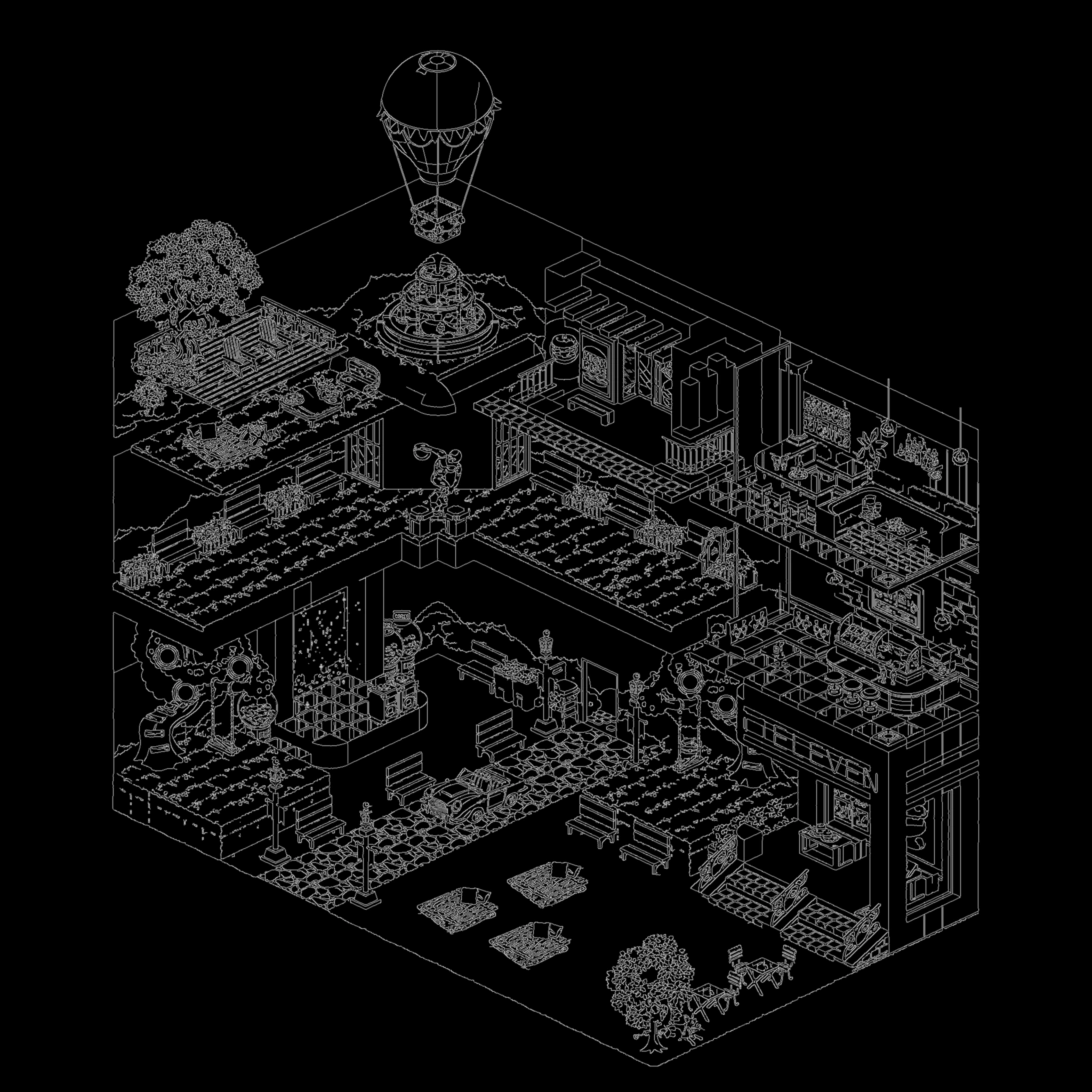
Our fix: we run an edge detection algorithm on the original image to identify hard boundaries, then reduce the blending strength along those edges in the final composite. The result is sharp furniture outlines with smooth lighting everywhere else.
Bringing It All Together in Unity
The final lightmap is sent to Unity, where a custom ShaderGraph samples it alongside the original furniture textures. The shader blends the two together in real time, producing a cohesive, naturally lit room that still looks and feels like the Highrise art style players know.
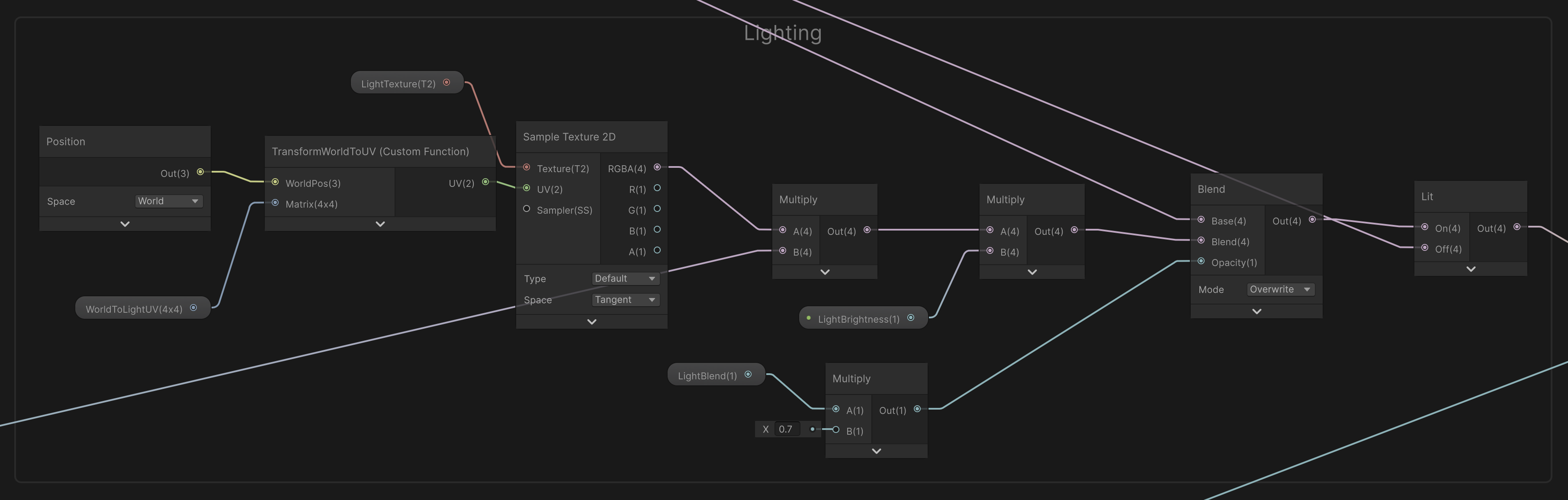
What started as flat sprites in empty space now feels like a place you'd actually want to hang out in. Warm lighting, soft shadows, and all, generated in under 5 seconds.
The fine-tuned and quantized models are available here